One door, and it's guarded
Everything in and out of your site goes through one managed firewall, with the rules written down and reviewed. No forgotten modem round the back quietly letting people in.
How we work
No mystery and no jargon. This page shows how a site we look after is put together, what we check while you are trading, and what the first few weeks look like if you come on board.

The setup
Same shape whether it's a cafe, a childcare centre or an office. One way in and out, one core switch, and everything sitting on its own lane behind it.
A typical layout, drawn plainly. Your site will have its own version of this on paper before we touch anything — real diagrams name the gear and the ports, which is why this one doesn't.
Everything in and out of your site goes through one managed firewall, with the rules written down and reviewed. No forgotten modem round the back quietly letting people in.
Customer Wi-Fi sits on its own lane. Staff computers sit on another. Tills, eftpos and the camera recorder sit on their own again. Someone on the guest Wi-Fi can't reach your office files.
One copy on site so a restore is quick, one copy off site in case of fire, flood or theft. We run a test restore and show you the result, instead of trusting the green tick.
The routine
Most of the work is quiet. The same loop runs over and over, and that is what stops the loud problems.
In order: Onboard → Monitor → Detect → Triage → Fix → Report, then back to Monitor.
We write down what you've got — gear, logins, internet service, backups — and get monitoring on it. This happens once, at the start.
Automated checks watch the firewall, the switches, the Wi-Fi, the backups and every computer. No human stares at a screen all night; the software does the watching.
A backup that didn't finish, a disk filling up, a login from somewhere odd, an access point that dropped off. The check raises it and we see it.
We sort it: fix it now, fix it tonight, or put it on the list. Anything that could stop you trading or expose your data goes to the front.
Most things get fixed remotely while you keep working. If it needs hands or a part, we come on site and work around your trading hours where we can.
Once a month, a plain-English summary: what broke, what we fixed, whether the backups restored, and what we think you should spend money on next.
Support is Mon–Fri 8–6 with after-hours on call, and monitoring runs 24/7 automatically. Send a job in and we reply the same business day.
Getting started
You'll know what we found, what it costs and what happens next — in writing, before any work starts.
Call (02) 4074 1111 or send the form. We come out at a time that suits your trading hours, walk the site and look at the comms room, the Wi-Fi, the logins and the backups. No charge, no obligation.
One document in plain English: what needs fixing now, what can wait, and the price for each part. Your call on what proceeds and in what order.
Cabling, firewall, Wi-Fi, cameras, phones — installed early, late or on a quiet day wherever we can, so you don't lose a shift to it.
Monitoring goes on straight away and the loop above starts. You get a monthly summary and one number to ring when something's up.
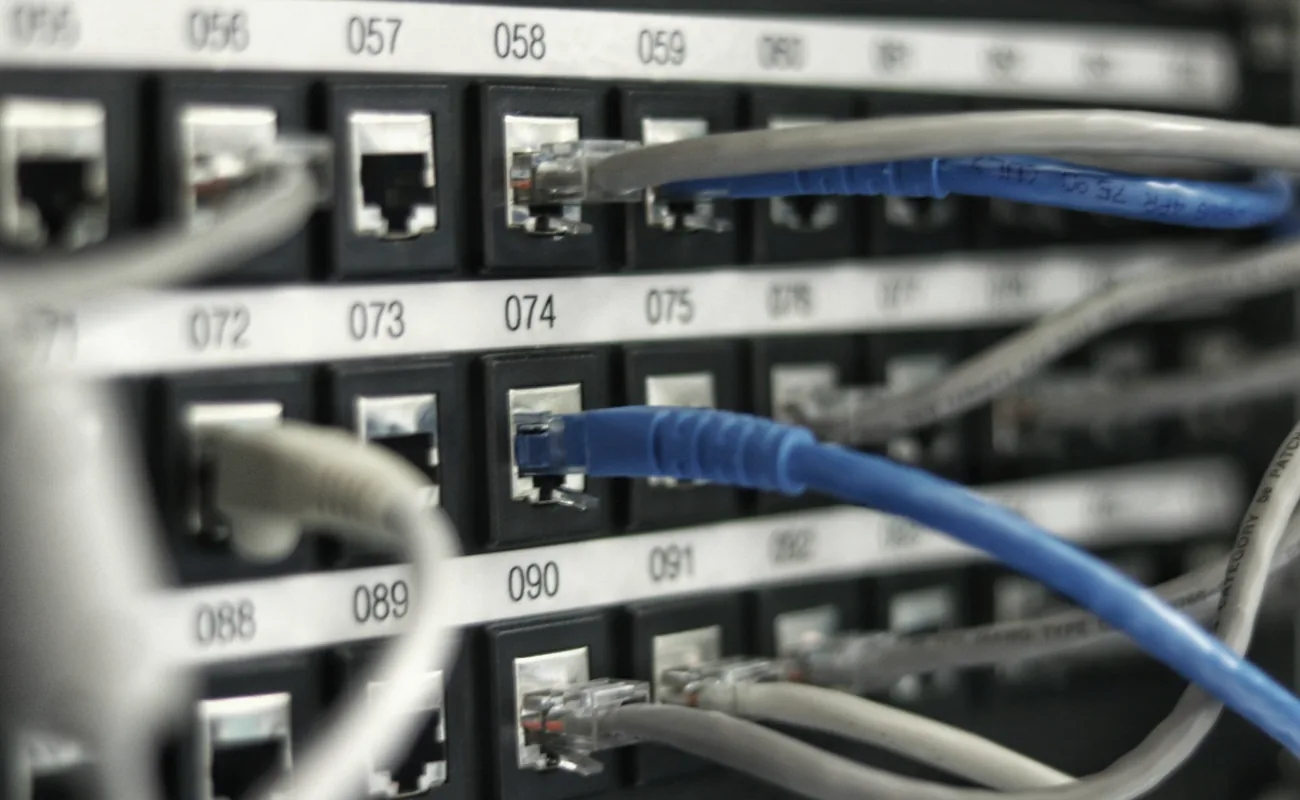
Photos on this page are illustrative images of equipment and workplaces, not photographs of specific jobs or people.
Bigger and multi-site businesses
The method above does not change when the business gets bigger. What changes is who we answer to, how many sites the same build gets repeated across, and how much of it your own team wants to keep.
Plenty of businesses already have someone internal who knows the place better than any outsider will. We are not there to replace them. The usual split is that they keep the applications and the people, and we take the infrastructure, the security baseline, the monitoring and the after-hours load — so one person is not the single point of failure for a whole company.
We work through delegated admin on your Microsoft 365 tenant, which means your team keeps ownership and can see and revoke our access at any time. Nothing we do requires us to hold your passwords.
The expensive part of a multi-site business is not the gear. It is that every site was set up by whoever was available that year, so no two are the same and nobody can be sent to fix any of them.
We write one standard build — the same firewall, switch, access points, labelling and documentation — and then repeat it. A new site becomes a known job instead of a fresh project, and any of our team can work on any site because it looks like all the others.
Where sites need to reach each other — a head office, a back-of-house system, cameras a manager watches from somewhere else — we run a site-to-site VPN back to a central point rather than exposing anything to the internet and hoping. Each site keeps working on its own if the link drops.
Site managers get one number. Monitoring runs 24/7 and raises faults with us automatically, so a dead link at one site does not depend on someone there noticing and deciding whose job it is. People answer Monday to Friday 8–6, with after-hours on call for the things that cannot wait.
You get a written site pack per location — what is installed, where it is, and what it plugs into — so the knowledge sits with your business, not in our heads.
If you are going to tender this, or you need it mapped against a framework your insurer or auditor has asked about, say so on the first call and we will put it in writing in that form. Start with a site visit — there is no charge for the first conversation.
Get in touch
Whether it's a whole site to set up or one thing that keeps dropping out, start with a call or the form. No charge for the first conversation.
Call us — we reply the same business day.
help@ozitgrand.com.au