What we do
Six services, one team, one number to call
Computers, cyber security, backups, the internet and Wi-Fi, the cameras and the phones. We look after the lot for 200+ Australian businesses, so when something stops working there is one place to call and nobody gets to blame another supplier.

Service 01
Managed IT & support
When the till won't talk to the printer, a laptop won't boot or someone can't get into their email, the whole shift slows down. In most businesses those small problems have no owner, so they come back every few weeks and everybody just works around them.
You get a help desk with real people on it — phone, email or a message — plus monitoring in the background that picks up faults before anyone complains. Support is Mon–Fri 8–6 with after-hours on call, and monitoring runs 24/7 automatically. We fix the problem, write down what caused it, and stop it happening again.
- Remote help desk for day-to-day problems
- Someone on site when the job needs hands
- Monitoring runs 24/7 and flags faults automatically
- New starters set up, leavers shut off properly
- A list of every computer, licence and warranty you own
- Scheduled maintenance — updates, clean-ups, health checks
Send a job in and we reply the same business day. Urgent after-hours faults go to the on-call phone.
Service 02
Cyber security & Microsoft 365
Attacks on small Australian businesses are usually boring. A fake invoice with changed bank details. A password reused on three sites. One staff member clicking once. Any of those can cost you a payment you thought you had made, or shut the office for a week while somebody untangles it.
We lock down the logins, the email and the staff devices, then watch for the warning signs and act on them. We work through the Australian Cyber Security Centre's Essential Eight as a checklist, so you can see exactly what is done and what is still open. Managed security starts at $12 per user per month + GST.
- Two-factor on every login, not just the boss's
- Email protection and the domain records that stop your name being faked
- Protection on every laptop and phone that touches your data, with the alerts actually read
- Old accounts closed and admin rights trimmed back
- Short staff training on what a scam email looks like
- A plan for the bad day: who we call, what we shut off, in what order
Service 03
Cloud & backup
A dead hard drive, a wrong delete or a ransomware hit can take your files, your email and your invoicing with it. Plenty of businesses only find out their backup stopped working months ago on the day they finally need it.
We back up the things that matter — files, email, servers — to a copy on site and a copy off site, then test a restore and show you the result. Where moving a server to the cloud makes sense we plan the move, do it outside your trading hours, and keep an eye on the monthly bill afterwards so you are not paying for seats nobody uses.
- Microsoft 365 email, Teams and files backed up separately from Microsoft
- Two backups: one on site for speed, one off site in case of fire or theft
- Restores tested, not assumed
- Old servers moved to Microsoft 365, Azure or a hosted server
- Files and mailboxes moved between systems without losing history
- A written recovery plan: what comes back first, and roughly how long
Your data stays where you need it to stay, with who can open what written down and reviewed.
Service 04
Networks & Wi-Fi
Dropouts at the counter. Wi-Fi that dies in the back room. Eftpos that times out at the worst possible moment on a Saturday. Nine times out of ten it is a cheap modem doing a job it was never built for, or cabling nobody ever labelled.
We walk the site first, work out where the access points actually need to go, run the cabling properly and put in a firewall and switches that can handle your busiest hour. Guest Wi-Fi stays separate from the till and the office, and we add a backup internet connection so a drop-out doesn't stop you taking payments.
- Site walk and a Wi-Fi plan before anything is ordered
- Coverage across the whole site — counter, kitchen, office, car park
- Guest Wi-Fi kept apart from staff computers and payment gear
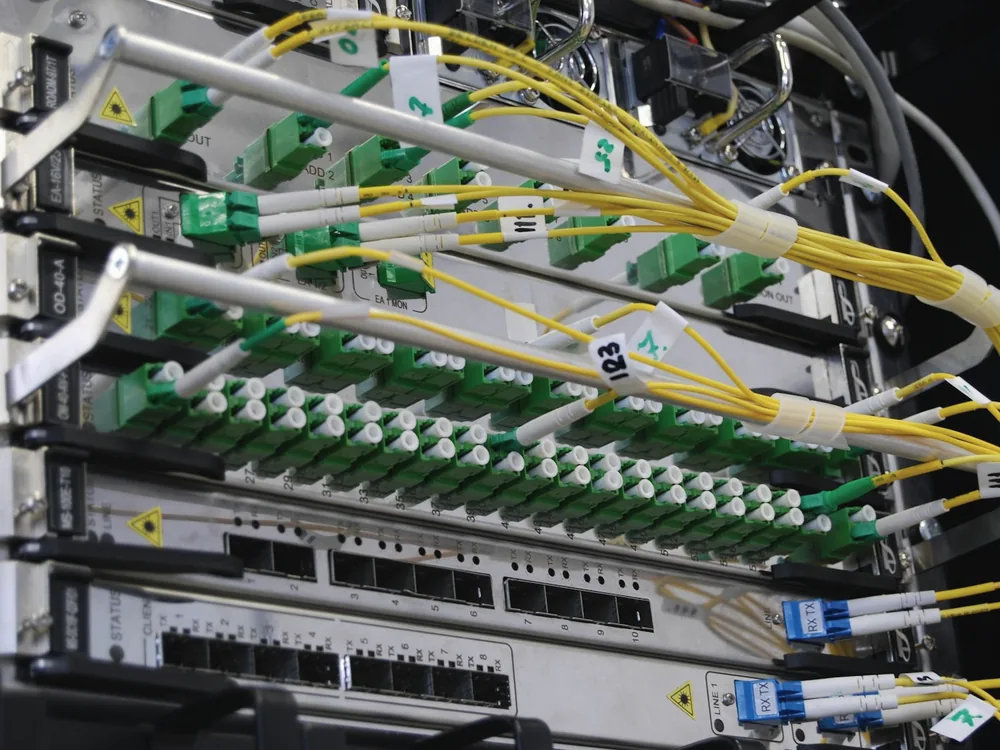
- Structured cabling, patch panels and comms rooms labelled and documented
- Managed firewall and switches, with the rules written down
- Backup internet over mobile that takes over when the NBN drops
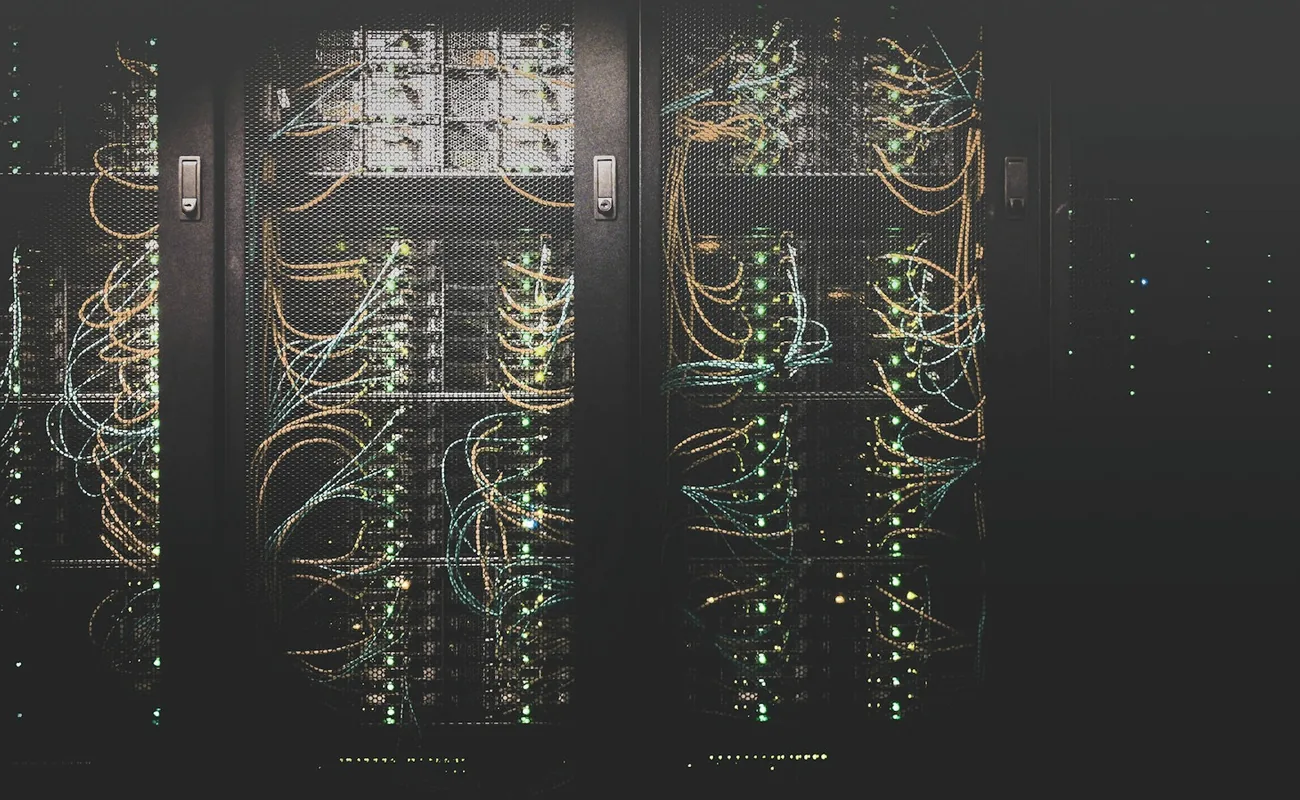
Servers, switches and workstations are installed, tested and handed over with a diagram — see what a site we look after looks like.
Service 05
CCTV, intercom & access
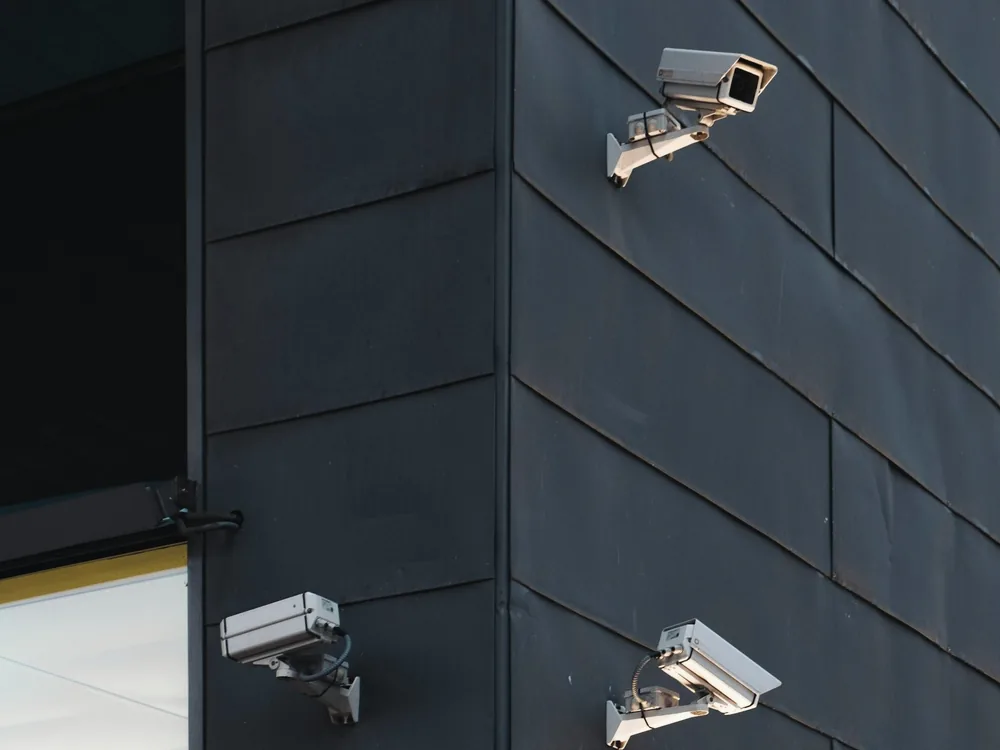
Cameras are only worth having if they point at the right things and someone can actually get the footage out. Half the systems we get called to have a camera watching a brick wall, a recorder nobody has the password for, and three weeks of nothing because the hard drive filled up.
We plan the coverage on a floor plan before we quote, so you can see what each camera will and won't see. Then we install cameras you can check from your phone, keep recordings for as long as you need, and hand over the logins and the documentation. Same goes for intercoms and door access.
- Camera positions planned on a floor plan before you commit
- HD cameras with night vision, weatherproof where they need to be
- Live and recorded footage on your phone, tablet or office computer
- Recording kept for the retention period you choose, checked it's still recording
- Motion alerts on the spots that matter — back door, store room, till
- Intercoms and door access so only the right people get in
We also talk you through the privacy side — signage, and where cameras can and can't point in a workplace.

Service 06
Phone systems
Calls ringing out at lunchtime. Nobody sure whose job it is to pick up. A voicemail message recorded by someone who left two years ago. For a venue or a clinic that is bookings walking straight out the door, and you never even know it happened.
We put in phones that run over your internet connection, port your existing numbers across so you keep them, and build the call flow around how you actually work — reception first, then the office, then a mobile. After hours, callers get a menu and a message in your own voice instead of a dead line.
- Your existing numbers ported across — you keep them
- Desk phones, computer softphones and the mobile app, all on one number
- Call flow built around your shifts, not a template
- After-hours menu and greetings recorded in your own voice
- Call recording where you need it for training or a dispute
- Reports on calls answered, calls missed and how long people waited
Conference calls, hunt groups and extra extensions are part of the system, not an add-on you pay for twice.
Why keep it together
One supplier for the lot
Most of the messes we get called into start the same way: the phone company blames the internet company, the camera installer blames the network, and the business owner is in the middle making phone calls instead of running the place.
Nobody to blame but us
Cameras, phones, Wi-Fi and computers all sit on the same network. When they all sit with one team, a fault gets fixed instead of argued about.
It gets built once, properly
Cabling, switches and power are planned for everything at once — so adding a camera or a phone later is a half-hour job, not a new install.
One bill, one plan, one number
A written plan with fixed prices before we start, and the same number to ring afterwards whether it's a login or a camera.
Get in touch
Tell us what's going on
Whether it's a whole site to set up or one thing that keeps dropping out, start with a call or the form. No charge for the first conversation.
Call us — we reply the same business day.
help@ozitgrand.com.au- Support hours
- Mon–Fri 8–6, after-hours on call
- Monitoring
- Runs 24/7 (automated)
- Where we work
- Sydney · Australia-wide

Photos on this page are illustrative images of equipment and workplaces, not photographs of specific jobs or people.